6.1 What are channels
2 min readWhat is a channel
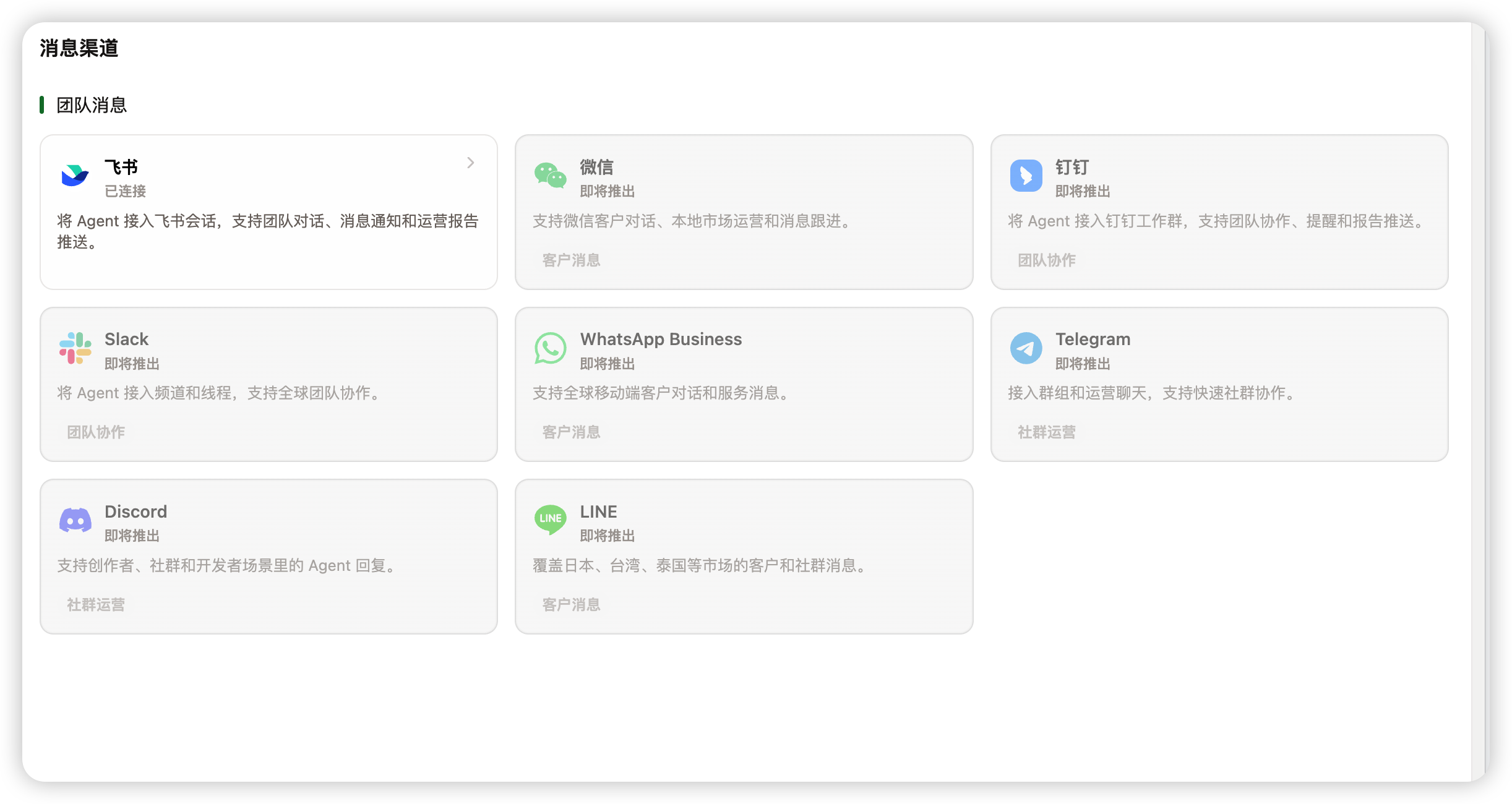
A channel is the path between Marcto and an external messaging tool. It answers the question: where does AI communicate with the team?
For example, after connecting Feishu, the team can ask AI questions in a Feishu group, and automation results can be delivered to that group.
Channels versus connectors
They often work together, but they do different jobs:
| Type | Main job | Examples |
|---|---|---|
| Connector | Read or write business system data | Shopify, GA4, Google Ads, Gmail |
| Channel | Receive messages, send notifications, chat with the team | Feishu group, team message space |
In short: connectors help AI access business data; channels deliver AI results to where people already work.
What channels are useful for
Common use cases:
- Ask AI about projects, products, or operations in a team group.
- Push daily ad checks, weekly reports, or inventory reminders to a group.
- Let the team review drafts, approve actions, or see alerts inside a messaging tool.
- Configure different default roles for different projects or teams.
How to start
For the first setup, do only three things:
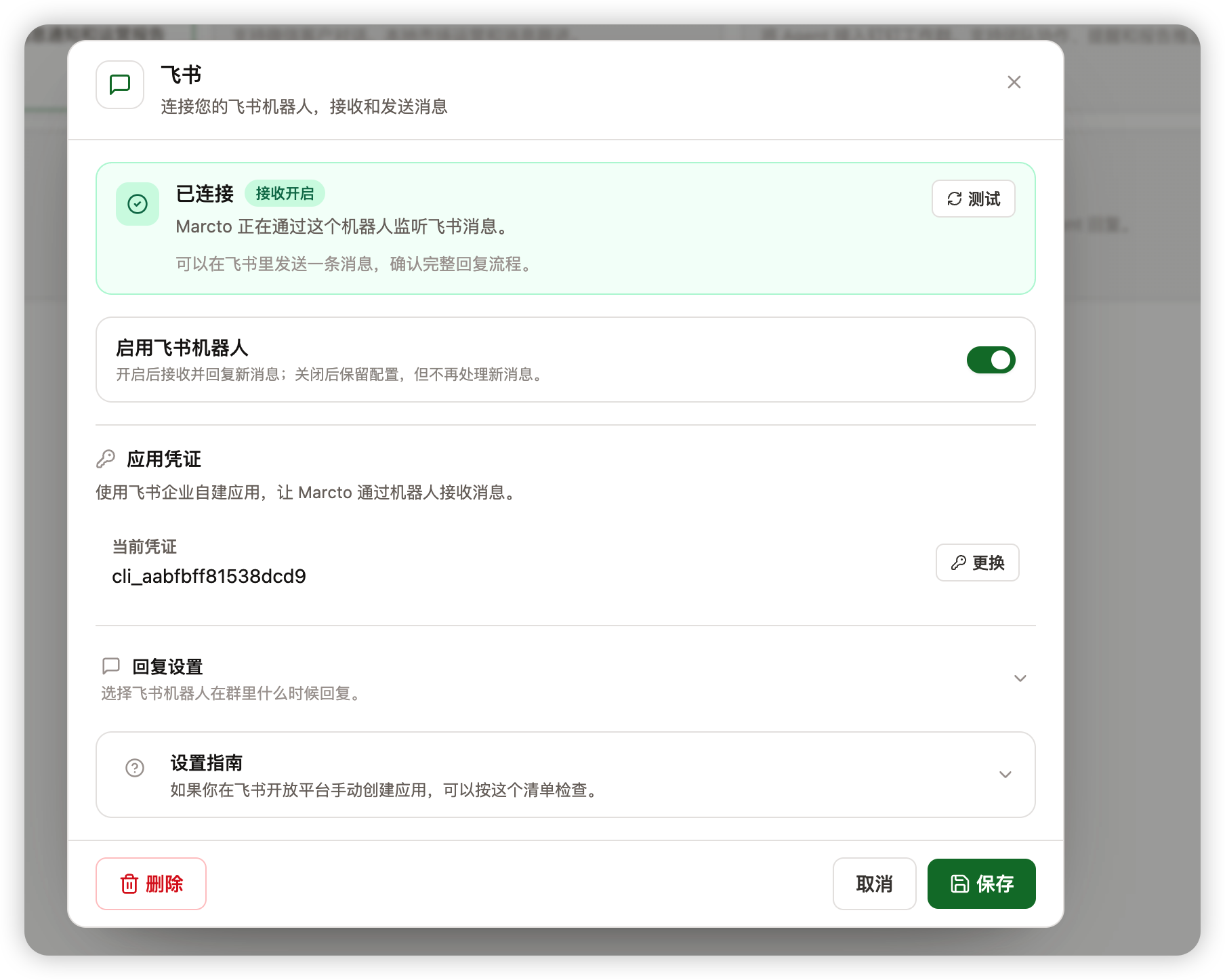
- Create a Feishu test group.
- Connect one channel and choose a default role.
- Send one test message and confirm AI replies correctly.
After the test works, send automation results to that channel.
Decide before going live
Before opening a channel to the team, confirm:
- Which team or project the channel serves.
- Which role should reply by default.
- Which automation results should be delivered there.
- Which actions require human confirmation.
- Whether notification frequency will distract the team.
Once a channel is connected to a production team space, it affects collaboration habits. Test with a small group first.